MILKYWEH JOURNAL / BEFORE ANIMATION
Storyboard vs Animatic: What to Approve Before Animation Starts
The drawings look promising. Everyone likes Rumiy. Then someone asks: ‘Will the message fit in 15 seconds?’ A storyboard alone cannot settle that question. Here is how to review the story and its timing before your animation team moves into detailed production.
RUMIY / STORY FIRST
First, make the story clear.
Then give every moment enough time.
01 STORY → 02 TIMING
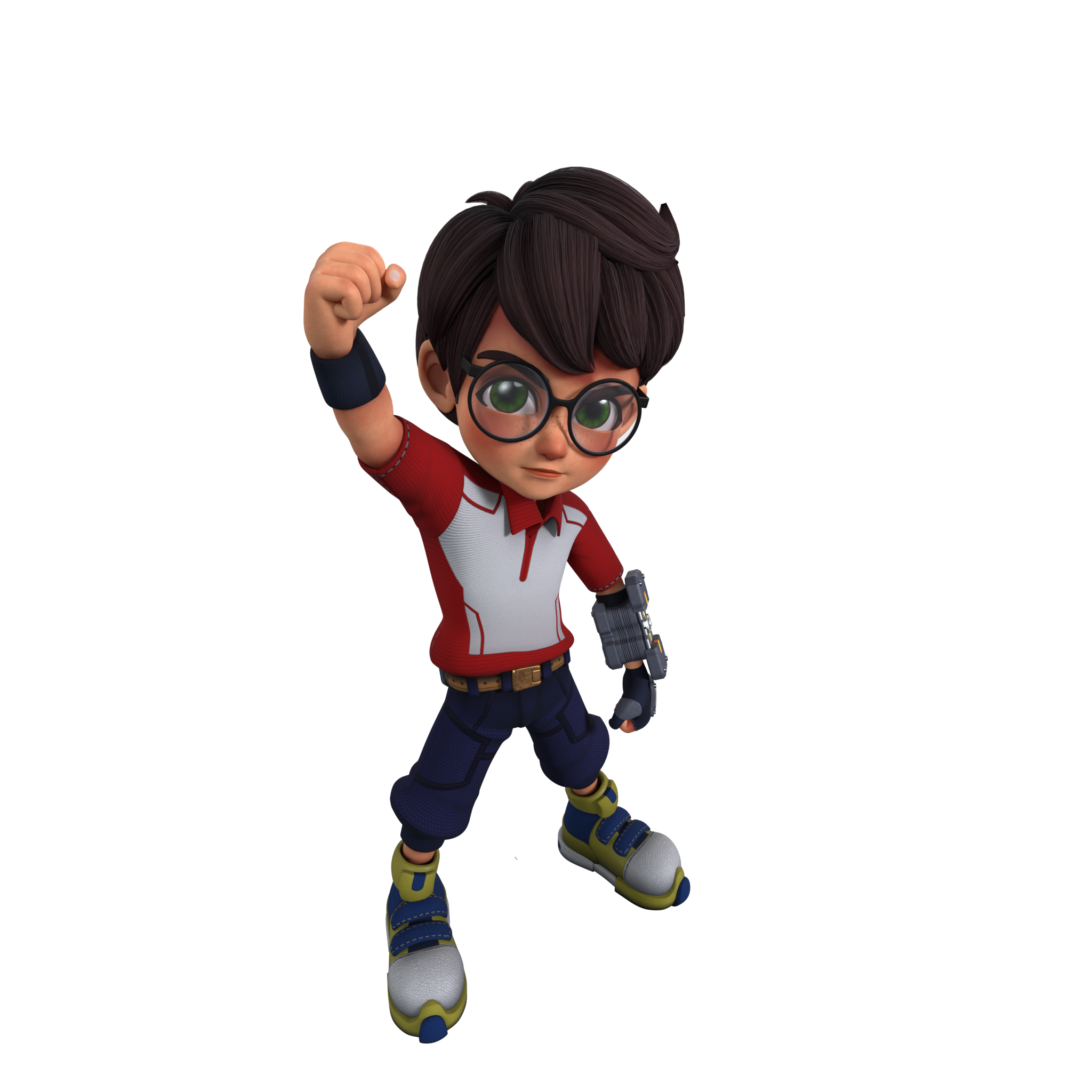
Editorial illustration using an original Rumiy render; not a client storyboard panel.
Same idea. Two different checks.
A storyboard lays out a sequence in illustrated panels, often with notes about action, framing and dialogue. It lets you examine what each shot needs to communicate. An animatic puts those panels into a timed sequence, often with temporary voice-over or sound, so you can assess pace and duration. Adobe’s guides explain these basic distinctions; links are included below.
Think of the board as a way to discuss the proposed shots and the animatic as a way to experience their order and timing. Neither automatically approves the final character performance, textures, lighting or sound mix. Ask the studio to label what is provisional so a rough image is not mistaken for a finished design.
Storyboard
What happens? What needs to be visible?
Animatic
How long does it take? Can the message be understood in time?
Review the message before the polish
Start with the viewer’s job: what should they understand or do after watching? Read the board without the presenter explaining every panel. If an important step only becomes clear when someone describes it aloud, note exactly what is missing from the visual sequence.
Check where the product first appears, what changes between shots and whether the final action is unambiguous. ‘Make it more exciting’ is hard to act on. ‘Show the open lid before the refill starts’ points to a specific story problem. Give feedback against shot numbers and separate essential corrections from optional ideas.
Watch the animatic at normal speed
Resist the urge to pause immediately. Watch once as an audience member, then again as a reviewer. Can you follow the action, read the key text and understand the ending without stopping? A beautiful panel may still need more screen time than the edit allows.
For Bahasa Melayu and English versions, test both scripts with a natural read. Do not assume a translated line takes the same time. If it runs long, decide whether to shorten the wording, change the shot or create a separate edit. Speeding up a voice track should not be the default solution to an overloaded script.
Try a small example: Rumiy’s refill reminder
Imagine a fictional 15-second social video encouraging viewers to refill a reusable bottle. This is an illustrative exercise, not a Milkyweh client project or a finished animatic. Its three beats are: notice the empty bottle, show the refill, then end on one clear reminder.
The timing sketch below gives the opening 3 seconds, the action 8 seconds and the ending 4 seconds. These are starting points to test, not a production rule. Play the actual script and text against them. If the refill explanation is too dense, remove a secondary message before squeezing everything into the same space.
 Empty bottleShow the refill
 One reminder
Rumiy’s poses mark the three story beats; they do not depict the bottle-refill action.
Check the versions you will actually deliver
A wide storyboard can conceal a problem in a vertical crop. Ask to see the important shots in the intended aspect ratios, with rough positions for captions, logos and calls to action. Use current placement guides from the destination platform when checking interface overlays; one fixed safe area does not suit every channel.
A 6-second cutdown is also a separate storytelling task, not simply the first six seconds of a longer film. List the required lengths and languages in the review notes. Make it clear which versions the current approval covers and which still need a timed test.
Make approval specific, not just ‘looks good’
Send one consolidated response from the decision-maker. Refer to a named version and distinguish what is approved from what remains open. For example: ‘Board v03: shot order approved. Animatic v02: revise the final text hold, then return for timing approval. Colour and final voice are not approved yet.’
Agree with the studio how later changes will be assessed. Replacing a line or shot after approval may affect other deliverables, but the impact depends on the work already completed. Ask for a revised scope and schedule where needed; do not assume either that every change is free or that every change needs a full restart.
CHECK BEFORE SIGN-OFF
Ready for the next step?
Use this as a personal review aid. It does not send or record an approval.
0 / 6 checked — resets when this page reloads
Have an idea to test?
Share your goal, script and required versions with Milkyweh. Start the conversation with the story before deciding on the finish.
Discuss your project ↗Related reading: 3D animation vs AI animation
Background reading
Sources for the basic definitions. The campaign example and checklist are this guide’s editorial suggestions.